
Introduction
Tax season can feel overwhelming — especially with so many questions like “Where’s my refund?”, “When are taxes due?” and “How can I file an extension?” You’re not alone. Every year millions search for answers about filing, paying, and checking their tax status — and here, Help2Tax breaks down everything you actually need to know for 2025.
From managing deadlines to online tax payment tools and help services, this guide will save you time, stress, and potentially money.
When Are Taxes Due? Know the Deadlines
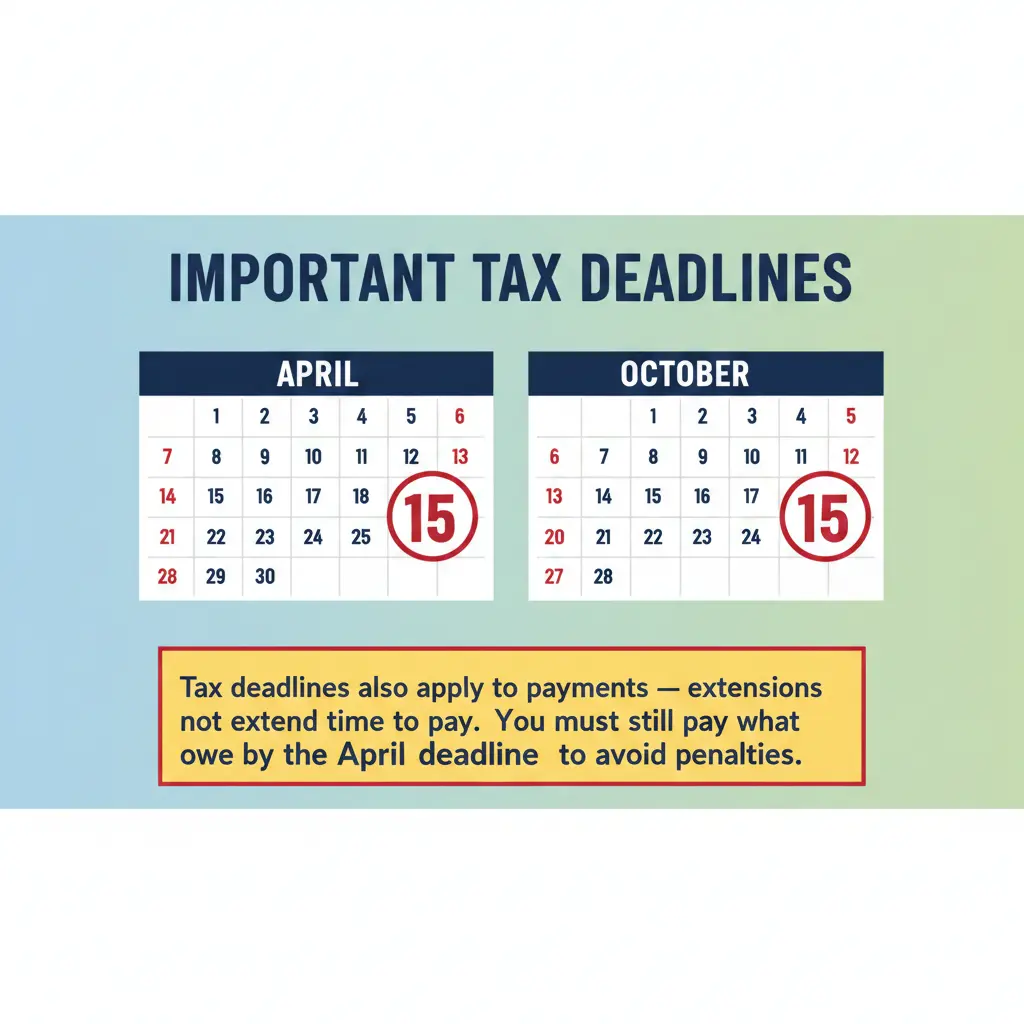
Each year, the IRS sets a date by which federal income taxes are due. For most taxpayers, this is April 15th (Tax Day) — in 2025 it remained the same. These deadlines are critical because filing late may result in penalties and interest.
Key Deadlines to Remember:
- April 15th – Standard tax filing due date
- October 15th – Final day to file if you filed an extension
Quarterly estimated tax payments – If you’re self-employed or pay non-wage income tax, you’ll have additional quarterly dates.
Where’s My Refund? How to Track It
One of the most searched tax questions every year is: “Where’s my refund?”
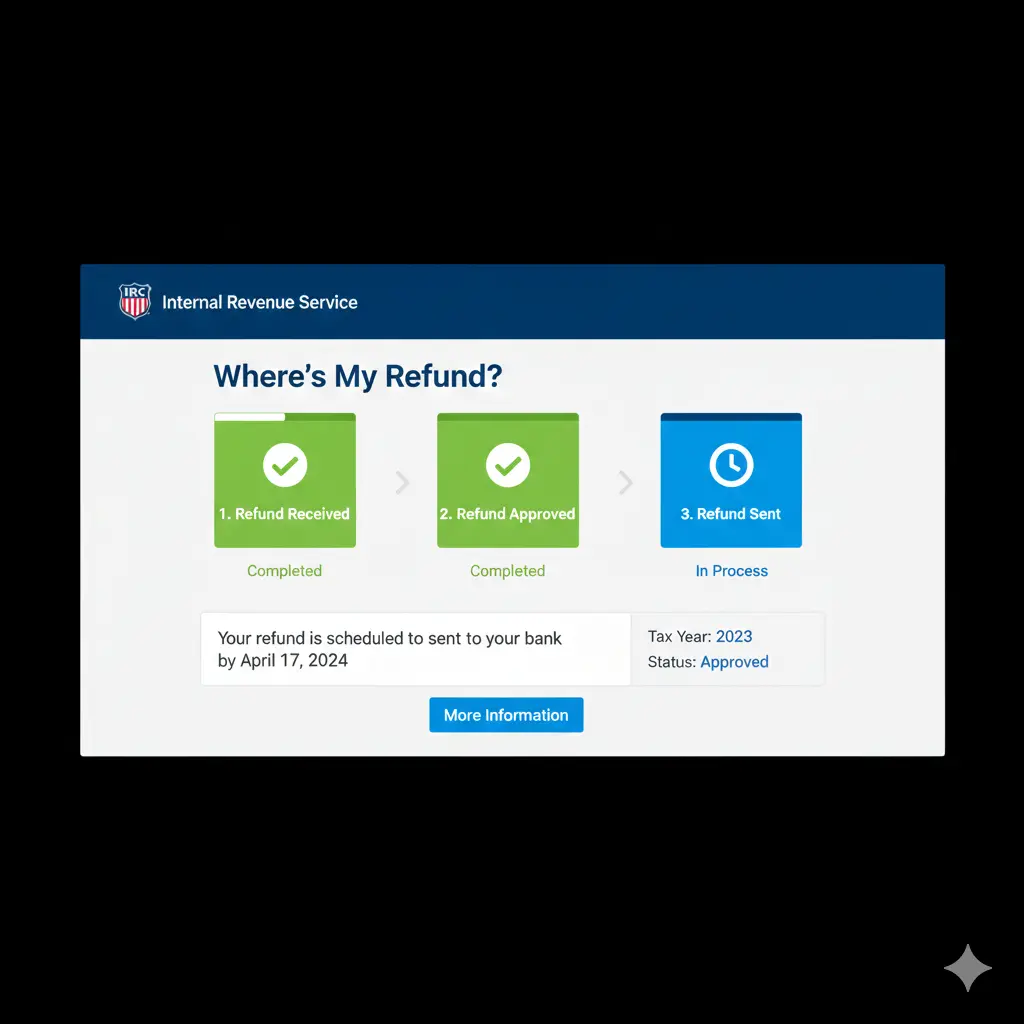
The IRS offers the Where’s My Refund? tool — the official and fastest way to check your refund status online. This tool updates once daily and gives you a clear progress report:
✔ Refund approved
✔ Refund sent
✔ Any issues or delays
You’ll need:
- Your Social Security number
- Filing status
- Exact refund amount
You can also use the IRS2Go mobile app to track updates on your phone.
Didn’t Make the Deadline? How to File a Tax Extension
Life happens, and if you can’t file by April 15, an extension can buy you more time — but only for filing. It doesn’t extend time to pay what you owe.
✔ How to File for an Extension:
- Fill out IRS Form 4868
- Estimate what you owe
- Submit it by April 15
- Mail it or e-file through approved software
If your extension is approved, you have until October 15 to file your return. Remember, interest and penalties may still apply if you owe money and didn’t pay by April 15.
How to Pay Taxes Online — Quick & Safe Methods
Paying taxes online is easier than ever — and safer too. According to the IRS, many taxpayers now choose electronic payment methods that offer convenience and speed.
🛡 Top Ways to Pay Your Tax Bill Online
✔ IRS Direct Pay – Pay directly from your bank account with no fees
✔ IRS Online Account – View your balance and pay from your secure account
✔ Debit/Credit Card – Easy, but may include processing fees
✔ Digital Wallets – Convenient mobile options
Note: Some payment options may charge third-party fees — always check before submitting.

Tax Help Services — When You Need a Pro
If taxes feel confusing — you’re not alone. Many taxpayers turn to professional help services for guidance. Major competitors like TurboTax, H&R Block, and TaxAct offer both self-guided and full-service support.
🧠 Help Options:
- DIY Tax Software: Step-by-step guided filing
- Tax Professionals: Real human experts for complex situations
- IRS Free Help: Programs like VITA (for low-income taxpayers) and Tax Counseling for the Elderly (TCE) offer free assistance.
Help2Tax Advantage:
Unlike some competitors that charge fees at checkout, Help2Tax can match you with a tax expert before you begin filing. Our goal is to make your filing simple, accurate, and affordable — no surprises

Tax Season End & What Happens Next
Once you file and pay your taxes, here’s what to expect:
- Refunds are processed (usually within ~21 days if e-filed).
- You’ll receive a confirmation from the IRS — save this with your records
- Keep copies of your return for at least 3 years
After tax season ends, the IRS still updates its tools — e.g., refund status and taxpayer accounts remain active year-round.